
You can’t create a native Discord vanity URL without boosts, but you can get a short, memorable invite safely by pointing your own domain (for example, join.example.com) to a permanent Discord invite with a 301 redirect. This preserves trust and brand control while avoiding risky third‑party “vanity” link schemes. Below is how it works and how to do it right.
What “vanity URL” really means on Discord

A Discord vanity URL is the custom, human‑readable path (discord.gg/yourbrand) you can only set on servers with the Vanity URL feature unlocked—typically via Level 3 boosts. If your server doesn’t have that feature, every invite link uses a generated code (discord.gg/abcdef), and you can’t change that code natively.
If you’re new to the concept of vanity links, our overview on What Is A Vanity Url explains the difference between memorable URLs and ordinary links, plus why they matter for brand recall.
Key Discord facts to ground decisions:
- Native vanity URL: Only for eligible, boosted servers.
- Regular invites: You can control expiry and max uses, but not the code itself.
- Stability: A non‑expiring invite to a channel you control is the most durable target for any redirect.
Legit ways to get a short invite without boosts
You can’t force a custom discord.gg path, but you can put a clean, branded link in front of it.
Option 1: Your own domain with a 301 redirect (recommended)
- Example: join.example.com → 301 → https://discord.gg/abcdef
- Benefits: Full control, strong brand signal, better user trust, easily rotated if your invite changes.
- Tools: DNS + a simple redirect via your host, Cloudflare, Netlify, Vercel, or Nginx/Apache.
Option 2: A short “/discord” route on your site
- Example: example.com/discord → 301 → https://discord.gg/abcdef
- Benefits: Lets you add context (rules, benefits) on a page if you want, or just forward.
- Bonus: You can A/B test message and measure click‑through from different channels.
Option 3: A link‑in‑bio page you control
- Example: links.example.com (on your domain) with a Join Discord button.
- Benefits: Organizes all your destinations; reduces reliance on external bio tools.
- Caution: Avoid third‑party tools that inject tracking you don’t control.
How third‑party “vanity redirect” services work
Many unofficial services sell or hand out short, pretty domains that redirect to your Discord invite. Typically they:
- Accept your invite, “wrap” it in their domain, and 301/302 redirect users.
- May log clicks, collect data, or rotate targets if the service changes hands.
- Rely on third‑party infrastructure you can’t audit or secure.
Potential upsides:
- Fast setup with no domain required.
- Occasionally bundled analytics.
Trade‑offs:
- Trust friction: Non‑brand domains look unfamiliar (and sometimes sketchy).
- Stability: If the service dies or its domain is blocked, your link dies with it.
- Control: You can’t enforce HTTPS configurations, HSTS, or security headers.
The risk model: what can actually go wrong
Before you point users to a non‑brand shortener, enumerate the risks—and how severe they are for your community.
- Phishing look‑alikes: Attackers can clone a domain pattern (or compromise a shortener) to redirect to fake gateways. Even if your link is safe, users learn to trust random short domains over time—bad for community safety habits.
- Link rot: Third‑party domains expire, get sold, or are blocked by platforms. Your invite ends up 404’ing, redirecting elsewhere, or triggering security warnings.
- Privacy leakage: Some services log and sell click data. You’ll rarely have a clear DPA, retention policy, or deletion controls.
- Brand dilution: A generic short domain undercuts your brand equity and hurts link memorability.
- Operational overhead: If your invite changes (e.g., revoked), you might not be able to update the redirect quickly—or at all.
Security checklist for safe Discord invite redirects
If you choose the brand‑domain route (recommended), use this hardening list.
- Domain and subdomain
- Use a dedicated subdomain (join.example.com or discord.example.com).
- Enforce HTTPS with valid TLS. Redirect HTTP → HTTPS (301).
- Redirect behavior
- Use a 301 (permanent) to the Discord invite. Avoid meta refresh or JavaScript redirects.
- Keep the path simple (no query params) to reduce tracking leakage.
- Headers and policies
- Enable HSTS (includeSubDomains where appropriate) to prevent downgrade attacks.
- Set a strict Content‑Security‑Policy if you use a landing page (not needed for simple server‑side redirects).
- Access and change control
- Store the target invite securely; restrict who can change it.
- Use versioning or Infrastructure‑as‑Code for predictability (e.g., a _redirects file or Cloudflare Worker).
- Monitoring and testing
- Health‑check the URL daily (status 200/301 only). Alert on any other status.
- Test from major regions for latency and reliability.
For a related implementation guide, see Google Ads Conversion Tracking Without Headaches.
Practical process: set up a safe custom invite in 15 minutes
Follow this step‑by‑step, then verify with measurable checks.
1) Create a durable Discord invite
- In your server, generate an invite that never expires and has no max uses. Target a stable public channel like #welcome.
- Save the full link (https://discord.gg/abcdef).
2) Choose your branded link
- Pick join.example.com or example.com/discord.
- Reserve it in DNS (A/AAAA or CNAME) toward your edge (host, Cloudflare, Vercel, Netlify, etc.).
3) Configure a true 301 redirect
- Netlify (_redirects file):
- /discord https://discord.gg/abcdef 301!
- Nginx (server block):
- return 301 https://discord.gg/abcdef;
- Cloudflare (Page Rule or Worker) with a permanent redirect.
4) Enforce HTTPS and HSTS
- Enable TLS certs (Let’s Encrypt or provider’s managed cert).
- Add HSTS with a conservative max‑age (e.g., 6 months to start).
5) Sanity‑check the behavior
- Terminal check: curl -I https://join.example.com
- Expect HTTP/2 301 and Location: https://discord.gg/abcdef
- Browser test: Open in an incognito window; confirm Discord resolves correctly.
6) Measure latency and resolve time
- Use a free synthetic check from multiple regions; aim for <300 ms TTFB for the redirect.
7) Lock down change control
- Restrict who can edit DNS and redirect rules.
- Document the process for rotating the invite if it’s revoked.
8) Track usage safely
- If you need analytics, track clicks on your domain (server logs or privacy‑respecting analytics) rather than appending UTM parameters to the Discord URL.
Branding and trust: what your new member actually sees
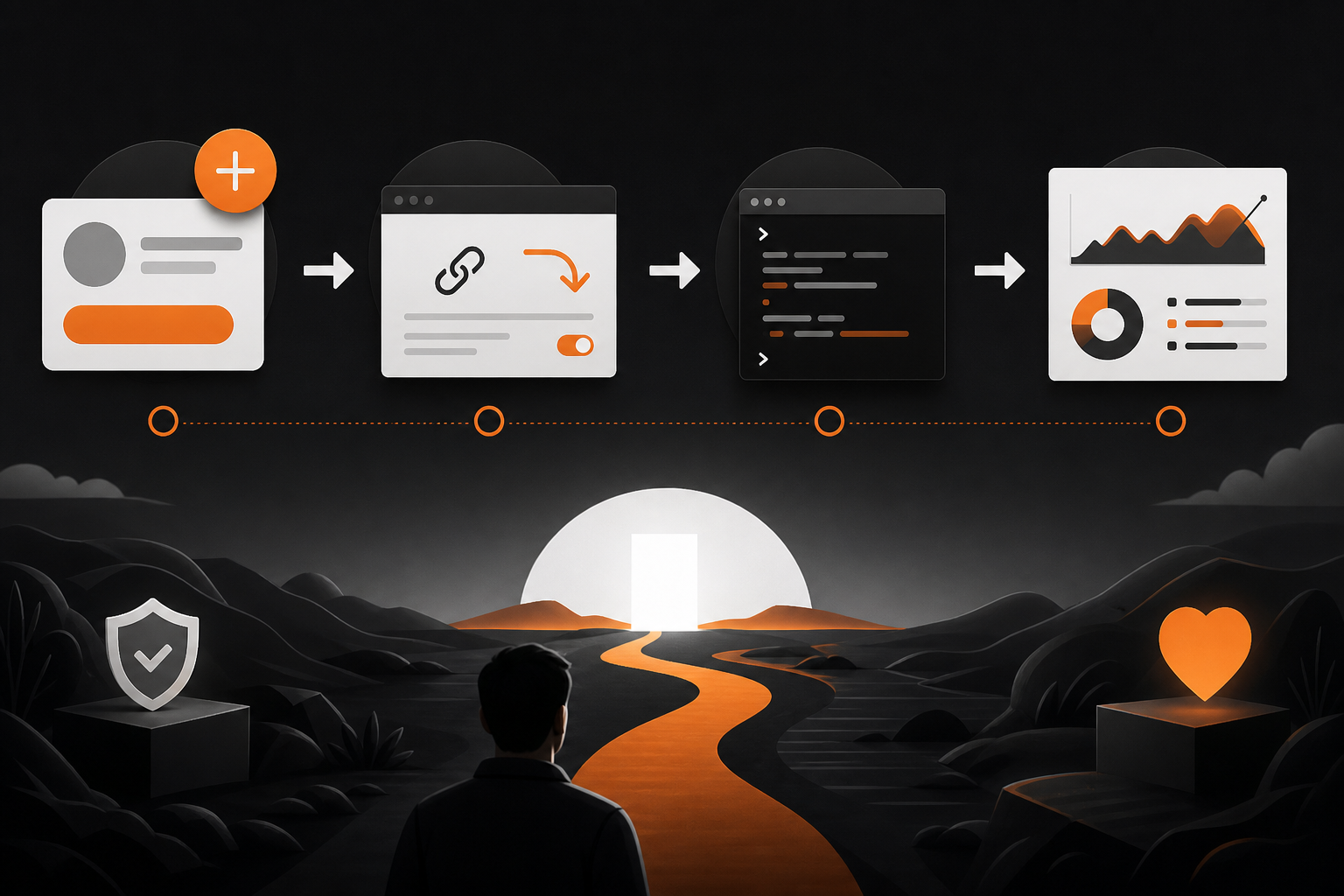
A branded domain builds confidence. Here’s how it plays out in the wild:
- Link previews: On many platforms, a recognizable domain name unfurls cleanly and avoids “suspicious link” heuristics. Shorteners sometimes show neutral or unfamiliar domains.
- Human memory: join.yourbrand.com is easier to say on a stream or in a podcast than a random string. That improves word‑of‑mouth accuracy.
- On‑page context: If you choose a landing page instead of a direct 301, you can summarize rules, add benefits, and display a clear Join button—reducing drop‑offs.
If you’re mapping this across channels, see how a structured plan helps in What Is a Content Roadmap. It shows how to coordinate links, messaging, and release timing without guesswork.
Compliance and limitations you should accept upfront
- Platform policy: Your redirect must not mislead users and must comply with Discord’s Community Guidelines and Terms. Keep the target a legitimate invite to your server.
- Revocation reality: If an invite is revoked or the target channel permissions change, your redirect will still work—but it will lead to an error. Keep a rotation procedure ready.
- No path control on Discord: Without the native vanity feature, you cannot choose discord.gg/yourname. Your custom domain is a wrapper, not a replacement.
- Analytics blind spots: Discord does not expose granular invite analytics for every server configuration. Expect to triangulate impact using your own click logs plus Discord’s available insights.
Evidence and trend signals (not proof)
Interest in “vanity links” and custom URLs keeps resurfacing. High‑view tutorials on custom URLs for other platforms and multiple creator videos discussing Discord vanity links show persistent admin demand for short, memorable links. One recent creator video highlighted the “danger” angle of third‑party vanity domains—a useful reminder to weigh trust and security, even if individual anecdotes aren’t generalizable. Treat these as signals to harden your approach, not as definitive data.
Evidence‑led callout
- Trend: Creator content on vanity links continues to attract significant views, indicating ongoing admin appetite for simpler links.
- Actionable takeaway: Favor first‑party control (your domain) and permanent server‑side 301s. Avoid opaque redirect chains and unvetted services.
For more context on strategic URL usage beyond Discord, our primer What Is A Vanity Url covers naming, memorability, and governance.
How Orange & Black can help
If you want your Discord invite to appear (and rank) consistently across search and channels, our team focuses on Organic growth and content strategy plus AI search optimization and GEO. We help you structure branded URL conventions, implement secure 301s at the edge, and build a distribution plan that keeps invites current across posts, bios, and videos—without breaking user trust. Need help setting standards, governance, and measurement for invite links? Start a quick scoping chat at our contact page: Orange & Black.
For a related implementation guide, see 2026 Ai Marketing Roadmap.
Examples you can copy (and why they work)

- join.yourbrand.com → 301 → discord invite
- Memorable, voice‑friendly; easy to rotate if the invite changes.
- yourbrand.com/discord → 301 → discord invite
- Keeps everything on your main domain; familiar for users who already visit your site.
- community.yourbrand.com → landing page with rules + Join button
- Adds context and trust before the handoff to Discord; useful for public communities.
Avoid patterns like:
- randomshort.co/YourBrand: Looks third‑party; users can’t tell if it’s official.
- multi‑hop chains (shortener → shortener → Discord): Increases break points and triggers security scanners.
Measure success without over‑tracking
- Clicks: Count unique click events on your domain’s redirect endpoint (privacy‑respecting logs or simple analytics). You don’t need per‑user tracking to understand value.
- Join outcomes: Use Discord’s available server insights or periodic member delta checks after promotions to estimate conversion from click → join.
- Speed and reliability: Monitor redirect TTFB and uptime. A sluggish or flaky redirect looks like friction—even if Discord is fine.
- Consistency: Audit top channels monthly (website nav, socials, video descriptions) to ensure every “Join Discord” points to your canonical branded link.
If you coordinate content across multiple channels and releases, consider adding process support. Topiclicks is an agentic AI platform for omnichannel content planning and execution, built for brands and product teams focused on generating revenue and conversions. It can help you schedule and standardize the same canonical invite link across your posts without manual errors.
Quick reference: do’s and don’ts

- Do: Use your own domain and a 301 redirect.
- Do: Keep invites non‑expiring and target a stable public channel.
- Do: Monitor health, status codes, and latency.
- Don’t: Rely on opaque third‑party vanity domains.
- Don’t: Chain multiple redirects or add tracking that scares users.
- Don’t: Share different invite URLs across platforms—pick one canonical link.
Bottom line
You can’t get a native Discord vanity URL without boosts. But you can achieve the same user experience—short, memorable, and trustworthy—by putting your own brand domain in front of a stable, non‑expiring invite. Keep it simple, secure, and testable. That’s how you get a short invite without losing your server—or your audience’s trust.
Common questions
Frequently asked questions
Can I set discord.gg/mybrand without boosts?
No. The custom discord.gg path (vanity URL) is reserved for servers with the Vanity URL feature, typically unlocked via higher boost levels.
Is a custom domain redirect allowed for Discord invites?
Yes. You can use your own domain to 301‑redirect to a legitimate Discord invite, provided you do not mislead users and you follow Discord’s policies.
Which redirect code should I use, 301 or 302?
Use a 301 (permanent) redirect for a stable invite, so browsers and crawlers treat it as canonical. If you’re testing short‑term, use 302 temporarily.
What’s safer: Bitly/Rebrandly or my own domain?
Your own domain is safer and more trustworthy because you control DNS, TLS, and redirect behavior. Third‑party shorteners add dependency and trust friction.