Before you hit publish, use this youtube more views video checklist to package and optimize your upload for higher click-through rate (CTR) and stronger watch time. In 10 minutes, you’ll clarify the promise, tune the title and thumbnail, secure the first 30 seconds, and set up the metadata that helps you get more YouTube views—reliably.
Why packaging decides reach on YouTube

YouTube’s recommendation system tries to match viewers with videos they’re likely to watch and enjoy. Two behaviors matter most for your reach:
- Clicks (CTR): Do people choose your video when it’s shown?
- Watch time and retention: Do they keep watching—and do more viewers finish than drop off early?
Definitions you’ll use in YouTube Studio:
- Click-through rate (CTR): The percentage of impressions that became views.
- Average view duration (AVD): Average time someone watched your video.
- Audience retention: A timeline graph showing where viewers drop off or re-engage.
Evidence-led callout:
- YouTube (via Creator Insider and Help Center materials) consistently emphasizes viewer satisfaction and watch time over “hacks.” CTR matters because it starts the session, but sustained viewing and satisfaction indicators determine ongoing recommendations. Optimize both.
The 10-minute YouTube More Views Video upload checklist
Hook: Before you hit Publish again, run this 10-minute checklist that can 2–5x your reach.
Timebox the following. You’re packaging value you’ve already created.
Minute 0–2: Clarify viewer intent (your 1-sentence promise)
- Write one sentence: “This video helps [specific viewer] achieve [specific outcome] without [common pain].”
- Example: “This helps small creators double CTR with mobile-first thumbnails—without clickbait.”
- Keep it visible while you complete the rest; it’s your filter for title, thumbnail, and intro.
Minute 2–4: Title packaging (curiosity + specificity)
- Draft 5 options, then pick the clearest promise with a curiosity gap.
- Use “how to get more YouTube views” only if the video truly teaches that outcome.
- Patterns you can try:
- Outcome + qualifier: “Double Your CTR in 7 Days (No New Uploads)”
- Reveal: “I Fixed 3 Things and Watch Time Jumped”
- Comparison: “Which Thumbnail Won? Test Results Inside”
- Avoid stuffing; keep it 55–60 characters when possible for mobile truncation.
Minute 4–6: Thumbnail rules that lift CTR
- One idea, one focal subject. No clutter.
- 3–5 words max if you use text; the title does the heavy lifting.
- High contrast subject/background; design for 2–3 inch screens first.
- Use expressive face or clear gesture pointing at the transformation or tension.
- Export at 1280×720 (min), under 2 MB, JPG/PNG.
Minute 6–7: Secure the first 30 seconds
- Earn the click again. In the first 10 seconds: restate the promise in plain language and preview the path.
- Cut intros, jingles, and rambling. Use motion or a pattern interrupt every 5–10 seconds early.
- Show the end-state/result upfront if possible, then teach how to get there.
Minute 7–8: Description, chapters, and metadata
- First two lines: value proposition + who the video is for.
- Add scannable chapters with outcomes, not vague labels (e.g., “Write a 1‑Sentence Promise” instead of “Intro”).
- Tags: 5–8 relevant phrases; no stuffing.
- Place one relevant resource link (guide, template) above the fold.
Minute 8–9: End screens, cards, and pinned comment
- End screens: one “next best video” + subscribe. Choose a video that continues the same intent.
- Cards: add only where they elevate value (e.g., a deep-dive concept you reference).
- Pinned comment: restate the takeaway, link to the next step, invite a focused question.
Minute 9–10: Accessibility and analytics goals
- Add subtitles/captions (uploaded or auto-edited) and check key terms.
- Set a simple test goal: “Within 48 hours, aim to beat my channel average for CTR and AVD.”
- If available, set up a Thumbnail Test & Compare to validate your design.
Clarify viewer intent: your 1-sentence promise
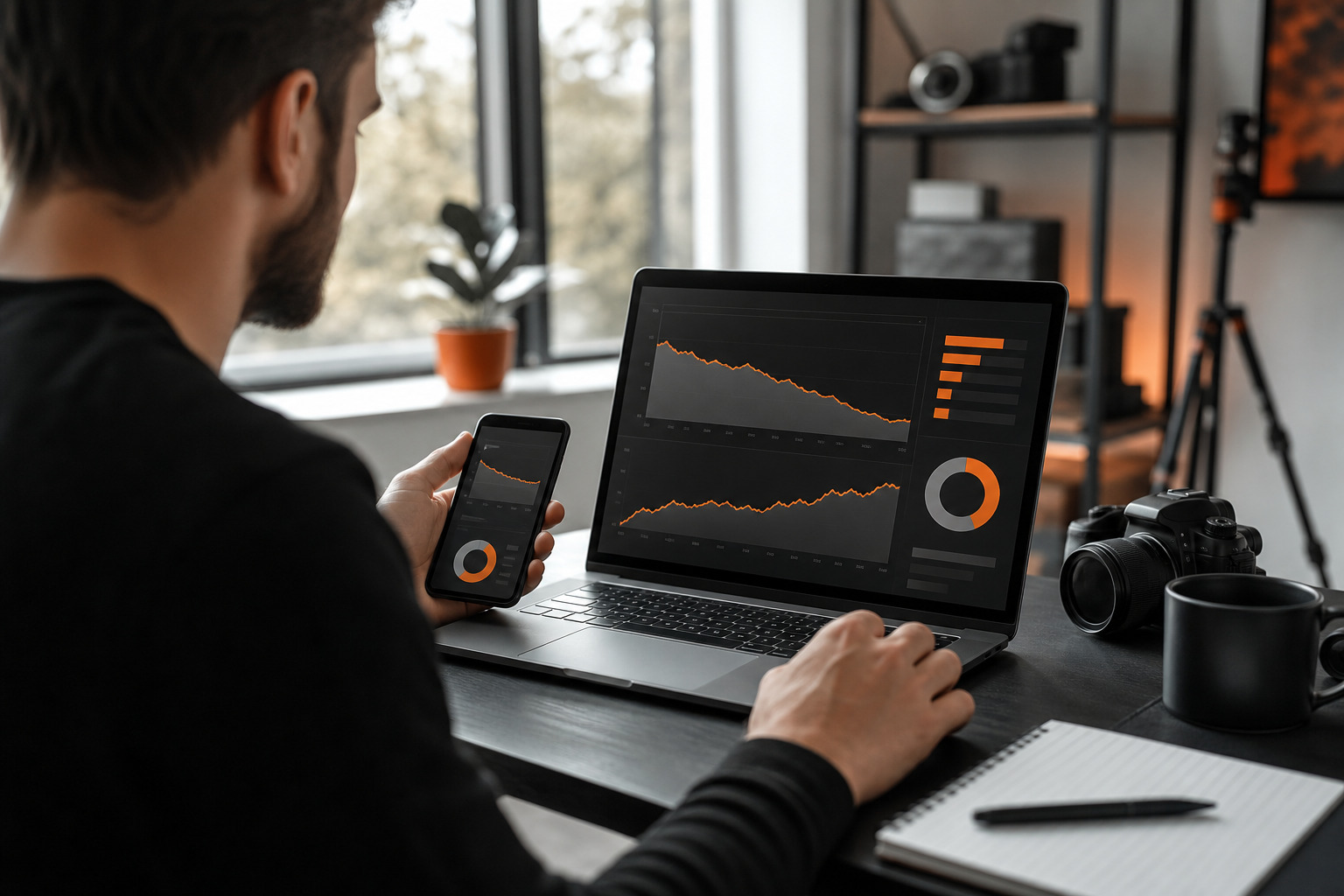
Creators often publish before they’re clear about the exact job their video does for the viewer. That vagueness becomes a bland title, a busy thumbnail, and a meandering intro—killing CTR and retention.
Use this template and keep it literal:
- For [specific viewer], this video delivers [specific outcome] by [brief method], so they can [result in their language].
Examples aligned to youtube more views video search intent:
- “For small channels, this video delivers a faster CTR lift by fixing titles and thumbnails, so they get more YouTube views without posting more.”
- “For tutorial creators, this video increases average view duration by restructuring the first 30 seconds.”
Measurable check:
- Can a stranger repeat the promise after hearing it once? If not, tighten it.
Title packaging: curiosity + specificity (no bait)
Your title earns attention; your video must fulfill it. Pair a specific outcome with a hint of curiosity—never ambiguity for its own sake. Use “how to get more YouTube views” when your content directly teaches the steps, not as a click magnet.
Helpful patterns with examples:
- “Fix These 3 Things to Boost Watch Time” (curiosity: which three?)
- “How I Took CTR From Bad to Good—Using One Change” (specificity: one change)
- “Your Thumbnail Is Too Busy—Here’s the Mobile Fix” (clear critique + promise)
Measurable checks:
- Would your viewer instantly know if this video is for them?
- Can you imagine a distinct thumbnail concept from the title alone? If not, rewrite.
Thumbnail rules that lift CTR (design for mobile first)
The thumbnail’s job is to make the right people stop scrolling. Keep it visual, bold, and simple.
- One idea only. Remove background clutter; isolate the subject.
- 3–5 words max if used; prefer imagery that implies the transformation.
- High contrast, bright subject; add depth via foreground/background separation.
- Human expression or clear gesture beats tiny UI screenshots.
- Check legibility at 10% scale. If it fails, it won’t work on phones.
Measurable checks:
- At 150×84 px, can you identify the subject and the “tension” in one glance?
- Would it still make sense with the title cropped to half on mobile?
Structure the first 30 seconds for retention
Your opening determines whether algorithms will keep testing your video. Keep the promise visible and momentum high.
- Restate the promise in plain language within 10 seconds.
- Preview the journey: “We’ll fix title, thumbnail, intro, then test in Studio.”
- Kill intro fluff. Add a visual win fast—show the final thumbnail or outcome snapshot early.
- Use chapter labels to reinforce viewer progress.
Measurable checks:
- In audience retention, does your 0:00–0:30 line hold near 100% relative to your average? If it plunges, cut or reshoot the opening.
Rapid iteration: measure, learn, and retest
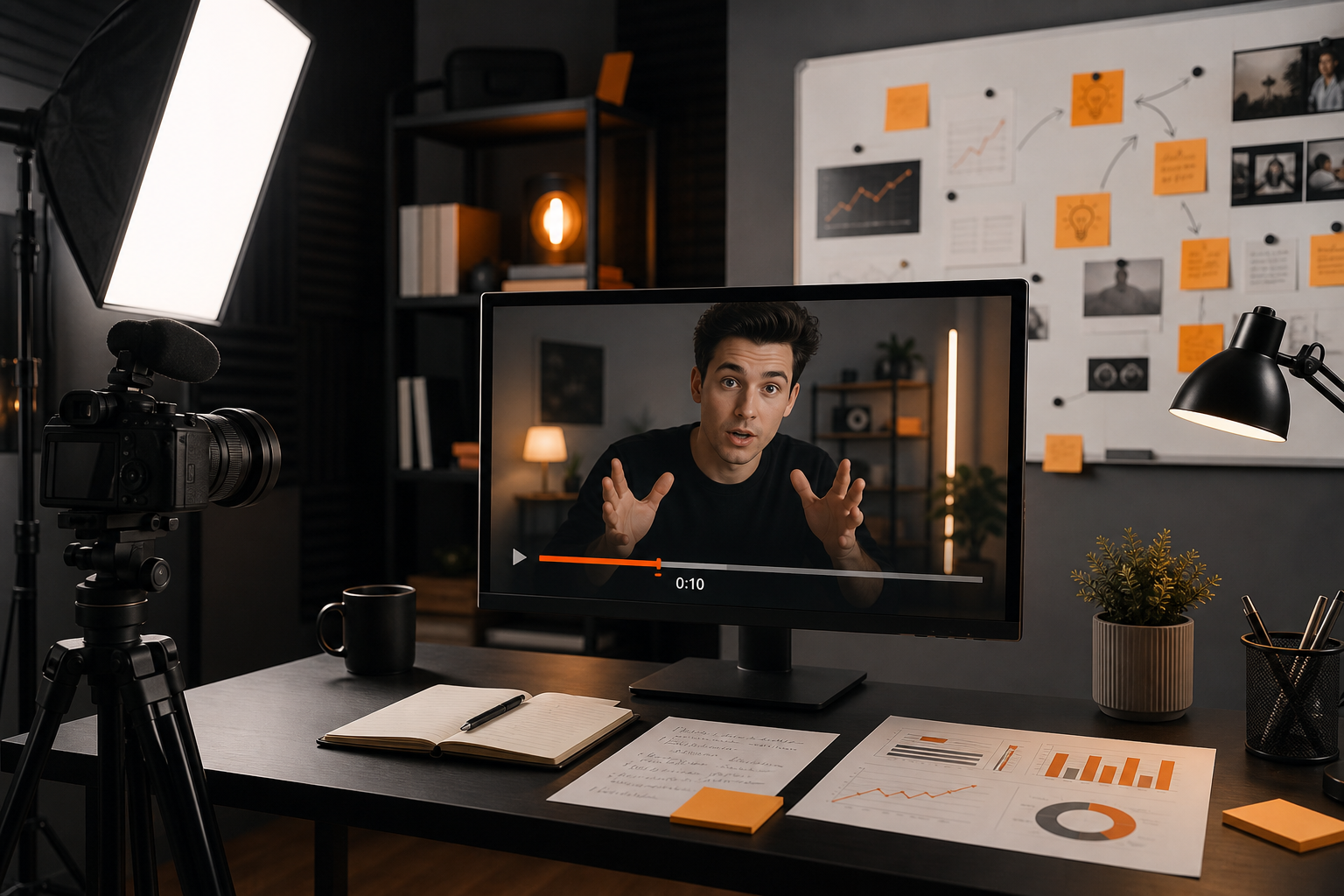
Optimize after publish, not just before.
- Within 24–48 hours, compare CTR, AVD, and first 30‑second retention to your channel averages in YouTube Studio.
- Swap a new thumbnail if CTR underperforms your baseline, then re-check after a similar impression count.
- If available, use YouTube’s Thumbnail Test & Compare to pick winners automatically.
- Watch top audience segments (by traffic source and device). Design next iterations for those viewers.
For a disciplined test mindset, borrow ideas from creative testing in ads. See how structured experiments work in our piece on Winning Meta Ads Creatives, then adapt the same “one change at a time” rule to thumbnails and titles.
Systematize the workflow with templates and tools
- Create upload defaults for description structure, chapters, tags, and end screen settings so you avoid last-minute gaps.
- Maintain a swipe file of thumbnail layouts that fit your niche and a list of proven title stems.
- Build a simple action loop: set a goal, ship, measure, change one thing, repeat. If you’re new to tight iteration, this breakdown of the [Agentic Ai Action Loop](https://orangeandblackdigitals.com/blog/agentic-ai-action-loop/) shows how to codify improvement cycles.
- Planning ahead helps maintain topical relevance. If you juggle multiple formats, read What is a Content Roadmap? for a lightweight way to sequence videos viewers want.
Tool spotlight:
- Topiclicks is an agentic AI platform for omnichannel content planning and execution, built for brands and product teams focused on generating revenue and conversions. Use it to map search intent, plan related content clusters, and keep your upload checklist consistent across series. Learn more at [Topiclicks](https://topiclicks.com/).
How Orange & Black can help you package for predictable reach
If you want a repeatable system to get more YouTube views without uploading more, we focus on two things that move the needle: Organic growth and content strategy, and Analytics and reporting. We’ll help you define clear viewer-intent promises, build mobile-first thumbnail/title frameworks, and set up a post-publish measurement rhythm in YouTube Studio so each iteration compounds. We can also template your upload defaults and testing cadence so you spend less time guessing and more time creating. Ready to install a practical workflow? Start a conversation with us here: Orange & Black.
Limitations and when to break the rules
- Strong packaging cannot fix a weak concept. If viewers don’t want the topic, no thumbnail can save it.
- CTR trade-offs are real. Chasing clicks that the video can’t satisfy will harm long-term reach.
- Niche depth vs breadth. In specialized topics, align expectations with smaller but higher-satisfaction audiences.
- Trends decay. A headline that rides a moment may not age. Keep evergreen variants in your backlog.
Examples: packaging transformations you can ship today
- Vague to specific title:
- Weak: “Get Views on YouTube Fast”
- Strong: “Fix These 3 Thumbnail Mistakes to Get More YouTube Views”
- Busy to focused thumbnail:
- Weak: 8 tiny screenshots + small text
- Strong: Close-up face reacting to two contrasting thumbnails, big red X on cluttered design, green check on clean design
- Meandering to purposeful intro:
- Weak: 30 seconds of channel promo
- Strong: “In 10 minutes, you’ll have a title, thumbnail, and intro that raise CTR and watch time. Here’s the exact checklist.”
Your next step
Pick one recent underperformer. In the next 10 minutes, run this checklist: sharpen the promise, repackage the title, redesign the thumbnail for mobile, tighten the first 30 seconds, and set one analytics goal. Publish the changes, then review results at 24 and 48 hours. Repeat weekly until your youtube more views video workflow becomes muscle memory.
For more structured launch processes beyond YouTube, our Google Ads Launch Checklist shows how disciplined packaging and QA improve outcomes across channels. Want more tactics and strategy? Browse the latest on Orange & Black insights.
Common questions
Frequently asked questions
What is a quick youtube more views video checklist I can follow before publishing?
Use this 10-minute list: write a 1-sentence promise, craft a curiosity-plus-specific title, design a simple high-contrast thumbnail, tighten your first 30 seconds, add a scannable description and chapters, set end screens/cards, upload captions, pin a comment, and define 48-hour CTR and retention goals in YouTube Studio.
How to get more YouTube views without uploading more videos?
Iterate on packaging and satisfaction: update titles and thumbnails, strengthen the first 30 seconds, add clearer chapters, and link to a relevant next video via end screens. Monitor CTR, average view duration, and early retention; improve the weakest metric first, then retest after similar impression counts.
Does changing a thumbnail really help me get more YouTube views?
Yes, if your impression volume is decent and the content satisfies viewers. Thumbnails influence CTR, which controls how many tests your video gets. If CTR underperforms your channel average, try a simpler, mobile-first redesign and re-check after a comparable number of impressions.
How long until these optimizations improve a youtube more views video result?
You can see directional changes within 24–48 hours on recent uploads, especially for CTR and early retention. Watch time trends develop as more impressions accrue. Keep tests controlled—change one element at a time—and compare against your channel averages rather than arbitrary benchmarks.