Amazon Associates is Amazon’s affiliate program. Apply with your site or channel, then use SiteStripe to create product links directly from Amazon pages. Add clear FTC disclosures and avoid link cloaking. Earnings (amazon associates pay) are category-based and paid on a periodic schedule after returns clear. Track performance with multiple tracking IDs and optimize high-intent content first.
Hook: Launch your first Amazon Associates link in under an hour—then scale it the right way.
What Amazon Associates is—and who it’s best for
- Bloggers who publish product roundups, comparisons, or tutorials.
- YouTubers who list gear and products mentioned in videos.
- Social-first creators who post short reviews on allowed platforms.
How it differs from the Amazon Influencer Program:
- Associates: Anyone with a site or approved channel can apply and earn by placing links. You manage content strategy independently.
- Influencer Program: Built for creators with qualifying social followings. Adds a custom Amazon Storefront and shoppable livestream/features. Many creators run both; if you’re new, start with Associates because it’s simpler to integrate into existing content.
Limitations to know upfront:
- Amazon can change commission categories and program rules.
- You must follow all policies, including FTC disclosure and Amazon’s Operating Agreement, or risk removal from the program.
- International audiences require region-specific links; a single US link won’t localize automatically unless you use a tool or Amazon’s features that support geo-routing.
The zero-fluff, first-link checklist (under one hour)
1) Confirm your publishing surface (10 minutes)
- Have at least one public destination ready: a published blog post, a YouTube video description, or a compliant social profile.
- Add About/Contact and a Privacy Policy if you have a website.
- Measurable check: Your page is public, not behind a login, and has content relevant to products you’ll link.
2) Apply to Amazon Associates (10–15 minutes)
- Provide your site/Channel URLs and describe how you drive traffic.
- Add your preferred store name and regions.
- Measurable check: Application shows as submitted in Associates Central with your site/channel listed.
3) Create at least one additional tracking ID (5 minutes)
- In Associates Central, create a new tracking ID (e.g., blog-gear-01-20) to segment traffic by channel or content type.
- Measurable check: You can select your new tracking ID in the link builder.
4) Install SiteStripe (instant)
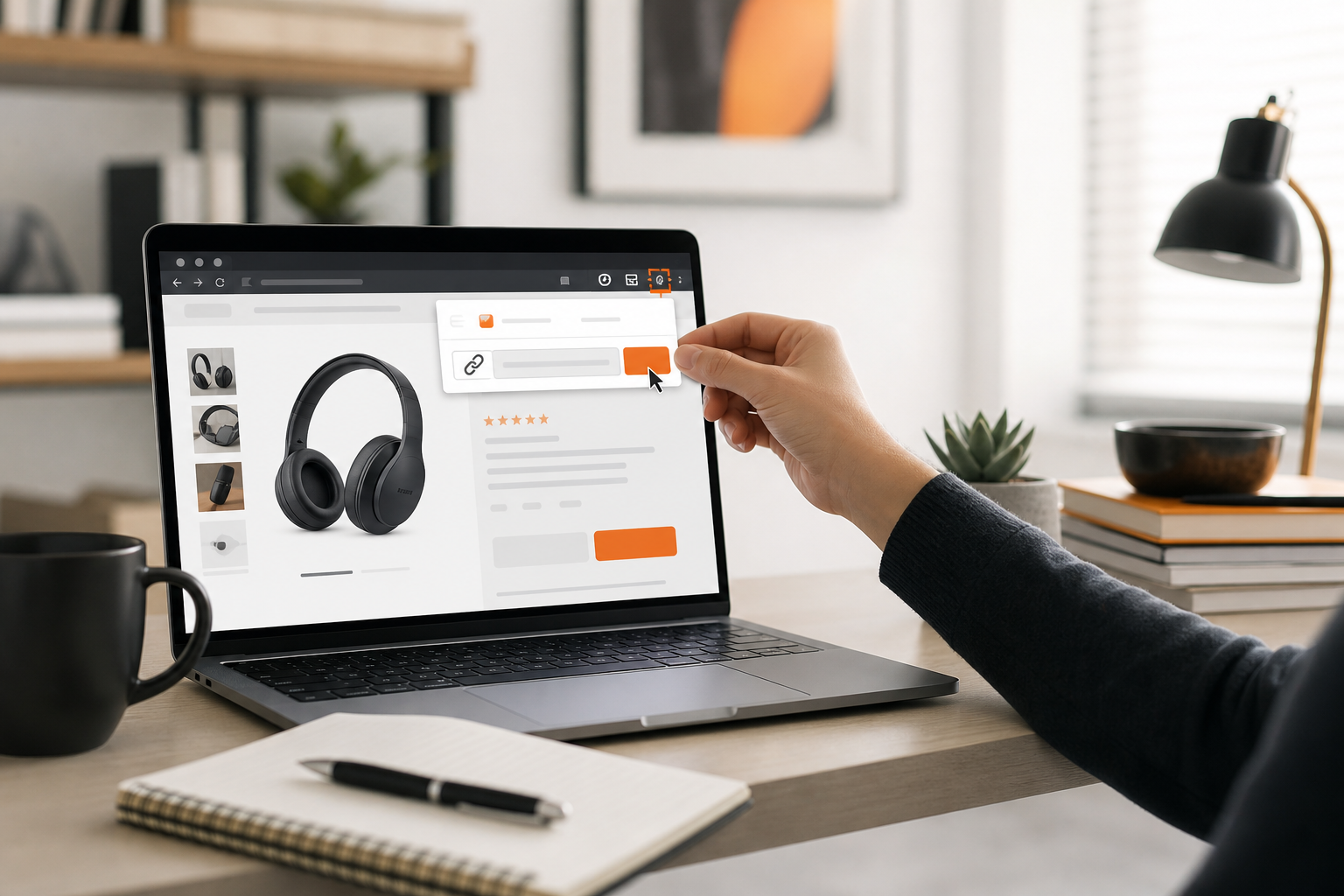
- When signed into Associates, you’ll see SiteStripe at the top of Amazon product pages.
- Measurable check: The SiteStripe bar is visible and shows Get Link options for Text, Image, and Text+Image.
5) Generate your first link (10 minutes)
- Navigate to a product you genuinely recommend.
- Click SiteStripe > Text > choose Short Link or Full Link.
- Paste into your article/video description.
- Add a clear disclosure near the link.
- Measurable check: Link includes your tracking tag parameter when you hover or preview.
6) Publish and verify (5 minutes)
- Publish the page.
- Click the link yourself to confirm it resolves (don’t buy via your own link).
- Measurable check: Clicks appear in your Associates reports within the reporting delay window.
Application and account setup: Do it right the first time

- Site readiness: Have at least a few original posts or videos that match the product categories you’ll recommend. Include About, Contact, and Privacy pages for credibility.
- Traffic plan: Explain how you’ll get visitors (SEO, social, or YouTube). You don’t need huge traffic to start—but you must show a realistic plan.
- Profiles and stores: Complete your profile details and tax information (requirements vary by region). Choose your payment preference early so you don’t miss payouts.
Tracking IDs (a.k.a. sub-IDs)
- Purpose: Separate performance by channel, page, or campaign without spinning up a new account.
- How to use: Create multiple tracking IDs in Associates Central (e.g., yt-cameras-20, blog-laptops-20). Use one per channel or major theme so you can see which surfaces convert.
- Tip: Keep a simple naming convention; if you can’t tell what a tag means six months later, rename it now.
Getting and managing links with SiteStripe
Step-by-step 1) While logged into Associates, go to any eligible Amazon product page. 2) Use the SiteStripe bar at the top: choose Text, Image, or Text+Image. 3) Pick Short Link for cleaner placement or Full Link if you need to see parameters. 4) Choose your tracking ID from the dropdown before you copy the link. 5) Paste into your content and publish.
Best practices
- Context beats lists: Place links where you provide clear value—tutorials, comparisons, and “why this pick” sections outperform bare product dumps.
- Images: Use SiteStripe’s image options or the official API. Don’t download product images and re-upload; that violates policy.
- Link formats: Short links are tidy for social; full links are useful for debugging and ensuring the tag is present.
- International readers: Consider region-specific linking solutions to send traffic to the right Amazon storefront.
Governance and hygiene
- No link cloaking or masking to hide that it’s an Amazon link.
- Keep a living doc of which tracking IDs map to which channels and pages.
- Audit quarterly: remove dead products, discontinued listings, or items with poor reviews you can’t stand behind anymore.
Compliance essentials you can’t skip

Disclosures
- Place a clear and conspicuous affiliate disclosure near your links. If a page or video is monetized with affiliate links, say so early.
- On YouTube, add both an on-screen mention and a description disclosure.
Pricing language
- Product prices on Amazon change frequently. Avoid stating exact prices unless you’re using an approved, auto-updating source.
- Safer wording: “Price and availability subject to change.”
Images and assets
- Use only approved image sources: SiteStripe or the official API. Do not copy product images manually.
Prohibited tactics (high-level examples)
- Don’t incentivize clicks or purchases with cash-back or misleading claims.
- Don’t email raw affiliate links or include them in offline materials like PDFs or eBooks; point subscribers to your site page instead.
- Don’t bid on restricted brand terms in paid search to drive affiliate clicks.
Evidence-led callout
- Amazon’s own Operating Agreement and Program Policies set the rules above, including disclosure, image usage, and traffic-source restrictions. Because these can change, bookmark your region’s policy page and re-check quarterly before big campaigns.
Understanding earnings and amazon associates pay
- Commission structure: Rates vary by product category and by country. Your dashboard shows current categories and any limitations.
- Attribution: A qualifying purchase must occur after a reader clicks your special link. The attribution window and conditions are defined in the program policies and can change.
When you get paid
- Schedule: Payouts occur on a periodic schedule after returns and cancellations clear for the period. Expect a lag between the end of a month and the payout window.
- Methods: Common methods include direct deposit, Amazon gift card, or check—availability varies by region.
- Thresholds: Minimum payout thresholds apply per method; check your Payment Preferences and Payment History pages.
What to watch in reports
- Clicks vs. Ordered Items: Rising clicks with flat orders suggests product-page mismatch or low intent.
- Conversion Rate: Track by content type via your tracking IDs; prioritize the formats that convert best.
- Earnings by Tag: Shift effort to tags (channels) with higher EPC (earnings per click).
Limitations
- Refunds and cancellations reduce earnings.
- Some product categories may be excluded or have special terms.
- International earnings require separate registrations per region unless you’ve set up a multi-region workflow.
Improve performance with a simple measurement loop (examples included)

1) Group by intent
- High-intent: “Best X for Y,” “X vs Y,” “X review.” These often convert best. Example: “Best travel tripods for mirrorless cameras.”
- Mid-intent: Tutorials and checklists with embedded picks. Example: “How to start a podcast: gear you actually need.”
- Low-intent: Inspiration posts; use sparingly or move readers into higher-intent content.
2) Tag by channel
- Use separate tracking IDs for Blog, YouTube, and each major category.
- Example naming: blog-mics-20, yt-cameras-20, blog-desk-20.
3) Inspect reports
- If yt-cameras-20 has double the conversion rate of blog-cameras-20, consider a supporting blog post or transcript with tighter comparisons and calls to action.
4) Fix the friction
- Swap out products with persistently poor reviews.
- Add a 2–3 sentence “why this pick” above each link.
- Move links higher on the page for skim-readers.
5) Rinse monthly
- Update out-of-stock links.
- Re-test top posts with fresh alternatives.
Tooling tip
- For planning and scaling content calendars across channels, Topiclicks is an agentic AI platform for omnichannel content planning and execution, built for brands and product teams focused on generating revenue and conversions. Use it to map product clusters to search and video topics, then track production status across your team.
Helpful deep dives from Orange & Black
- Strategy foundations: See the [Content Strategy For Agencies 2026](https://orangeandblackdigitals.com/blog/content-strategy-for-agencies-2026/) guide to structure your editorial plan around audience intent.
- Ship consistently: Our [Content Operations For Agencies 2026 Playbook](https://orangeandblackdigitals.com/blog/content-operations-for-agencies-2026-playbook/) explains templates, handoffs, and QA checklists that keep publishing on time.
- SEO basics for writers: Start with On-page vs off-page SEO—what writers control.
- If you’re adding AI support to your workflow, map a phased plan with the [90 Day Ai Marketing Roadmap 2026](https://orangeandblackdigitals.com/blog/90-day-ai-marketing-roadmap-2026/).
Launch your link library with SiteStripe: a practical process
- Before publishing
- Pick 1–3 primary products you would personally recommend.
- Create or select the correct tracking ID for the channel.
- Write a one-sentence rationale for each pick.
- While publishing
- Generate SiteStripe links (Text for blogs; Short Text for YouTube/social).
- Place links near the first mention and at the end, with a clear disclosure.
- Add at least one internal link to a related guide for context.
- After publishing (within 24–72 hours)
- Verify clicks are attributed to the correct tracking ID.
- If there are clicks but no orders, test alternative products in the same category.
How Orange & Black can help you win with Amazon Associates
Two offerings map directly to this play:
- Organic growth and content strategy: We’ll help you build a topic-led roadmap that prioritizes high-intent “best,” “vs,” and “review” content, then align formats across blog and video.
- AI search optimization and GEO: We’ll structure pages and internal links for AI search and traditional SEO, and set up geo-friendly linking patterns for international audiences.
If you’re serious about turning affiliate content into a predictable revenue line, let’s design the system together. Start here: Orange & Black.
7-day launch and 90-day scale plan
Days 3–4: Add 3–5 contextual links via SiteStripe to each piece; create a simple internal linking path between related posts.
Day 5: Review reports; note which tags get clicks. Replace any discontinued items.
Days 6–7: Publish one comparison post and one short video that supports it. Use separate tracking IDs.
Days 8–90: Ship weekly. Every two weeks, prune low performers and double-down on formats and tags with the best conversion signals.
Quick glossary
- SiteStripe: The Amazon toolbar (visible when logged in) that generates affiliate links from product pages.
- Tracking ID: An identifier you create in Associates Central to separate performance by channel or topic.
- Disclosure: A clear statement that you earn commissions from qualifying purchases; required by regulators and Amazon.
- Associates Central: Your dashboard for links, reports, and payments.
Common questions
Frequently asked questions
What information do I need to apply to Amazon Associates?
You’ll provide your site or channel URLs, describe your traffic strategy, choose a store name, and set contact, tax, and payment details. Amazon reviews your application and may request additional information to verify your publishing surface and intent.
When does Amazon pay Associates and what thresholds apply?
Payout timing is on a periodic schedule after returns and cancellations clear. Minimum thresholds vary by payment method (e.g., direct deposit, check, or gift card) and by region. Check your Payment Preferences and Payment History in Associates Central for the current amounts and dates.
Can I use link shorteners or cloaking with Amazon Associates?
You can use Amazon’s own short links from SiteStripe. Avoid cloaking or masking that obscures the destination or removes required parameters, which can violate program policies. Always ensure your tag is visible in the final URL and that disclosures are clear and conspicuous.
Do I need a website to be approved, or can I use only social media?
You can apply with certain social channels or a YouTube presence if they meet Amazon’s criteria. A dedicated website helps with approval and long-term SEO traffic, but it’s not strictly required if your eligible social profiles have meaningful, public content that follows policy.